
연구의 선진화와 생산성 향상에
필요한 최적의 소프트웨어와 컨설팅을
공급하도록 노력하겠습니다.
필요한 최적의 소프트웨어와 컨설팅을
공급하도록 노력하겠습니다.



1. GINO for Delphi
News

GINO for Delphi - A powerful combination of Borland's visual programming environment with an extensive graphics toolkits
- Release 6.5 (23 February 2005)
- Support for Delphi 2005 including integrated HTMLHelp2 documentation
- Better documentation including complete Delphi syntax code for all callable procedures
- Release 6.0d (12 May 2004)
- OpenGL functionality using gWogldc() etc. procedures now provided in GINO and GINOSURF
- Windows HLP files provided with instructions for integrating with Delphi's OpenHelp Help system
- Release 6.0c (10 February 2004)
- New screen driver procedures gMwindc(), gMwinUpdateDC() and gMwinGetDC() for drawing to private bitmap enabling correct memory mapping of Device Contexts when leaving/entering Delphi procedures
- Release 6.0b (20 October 2003)
- Updates to GINOSURF interface file

2. GINO for Fortran 90/95
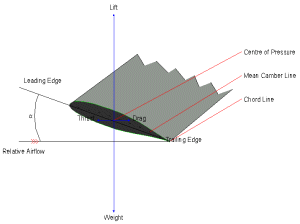
GINO for Fortran - Continuing a long-standing tradition of being the choice of engineeering graphics for the compiler for engineers
Absoft Pro
Compaq Visual Fortran
Intel Visual Fortran
Lahey LF95
Salford FTN95
Because Fortran compilers are not binary compatible, different sets of DLL's are supplied for each compiler version.
GINO is available for the following Linux compilers:
Absoft Pro
GNU g77
Lahey LF95
Fortran versions of GINO are also available for the following systems:
Compaq ALPHA/OpenVMS
HP/HP-UX
SUN/Solaris
Silicon Graphics/IRIX
3. GINO for C/C++
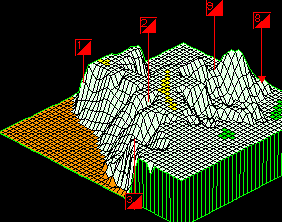
GINO for C++ - A comprehensive suite of over 900 graphics and GUI functions that go way beyond the Windows API and provide cross-platform portability.
The C++ version includes complete C++ documentation examples and C++ test programs to get you up and running as quickly as possible.
4. GINO for Visual Basic
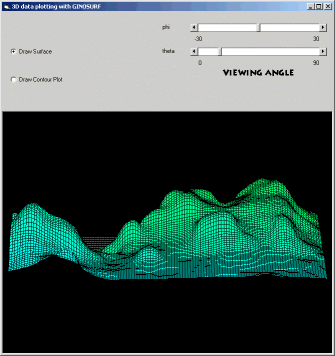
GINO for Visual Basic - A comprehensive suite of over 700 graphics functions for easy incorporation into VB.
5. GINO for .NET
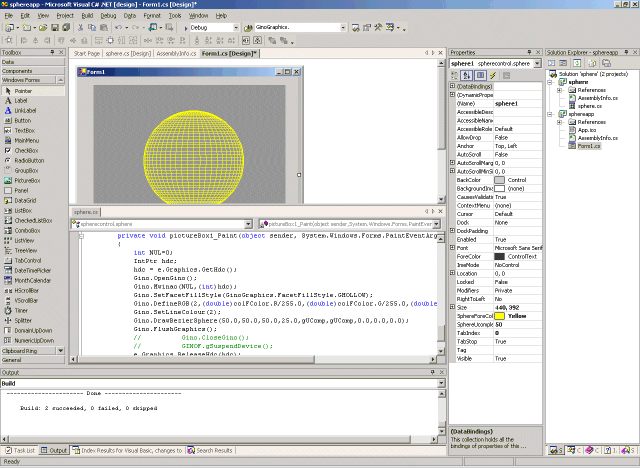
GINO.NET - A comprehensive suite of over 700 graphics functions for easy incorporation into Visual Studio.NET.
- VB.NET
- C#.NET
- C++.NET
- J#.NET
- LF95.NET
- FTN95.NET
There are a number of factors to take into account when converting an existing Win32 GINO program into .NET such as the prefix before each routine name, Enumerator name changes, strings need passing via the function USTRING and character arrays need merging into one single string. Take a look at a direct comparison between .NET code and Win32 code to see what is involved.

